
Civic.ly is estates management and inspection software for UK town and parish councils. Estates managers can use it to organise inspections across parks, public toilets, village halls and council vehicles, assign maintenance work and keep a record of repairs. Staff record checks in the mobile app while the manager oversees the estate in the web app.
Bring buildings, grounds and vehicles into one asset register
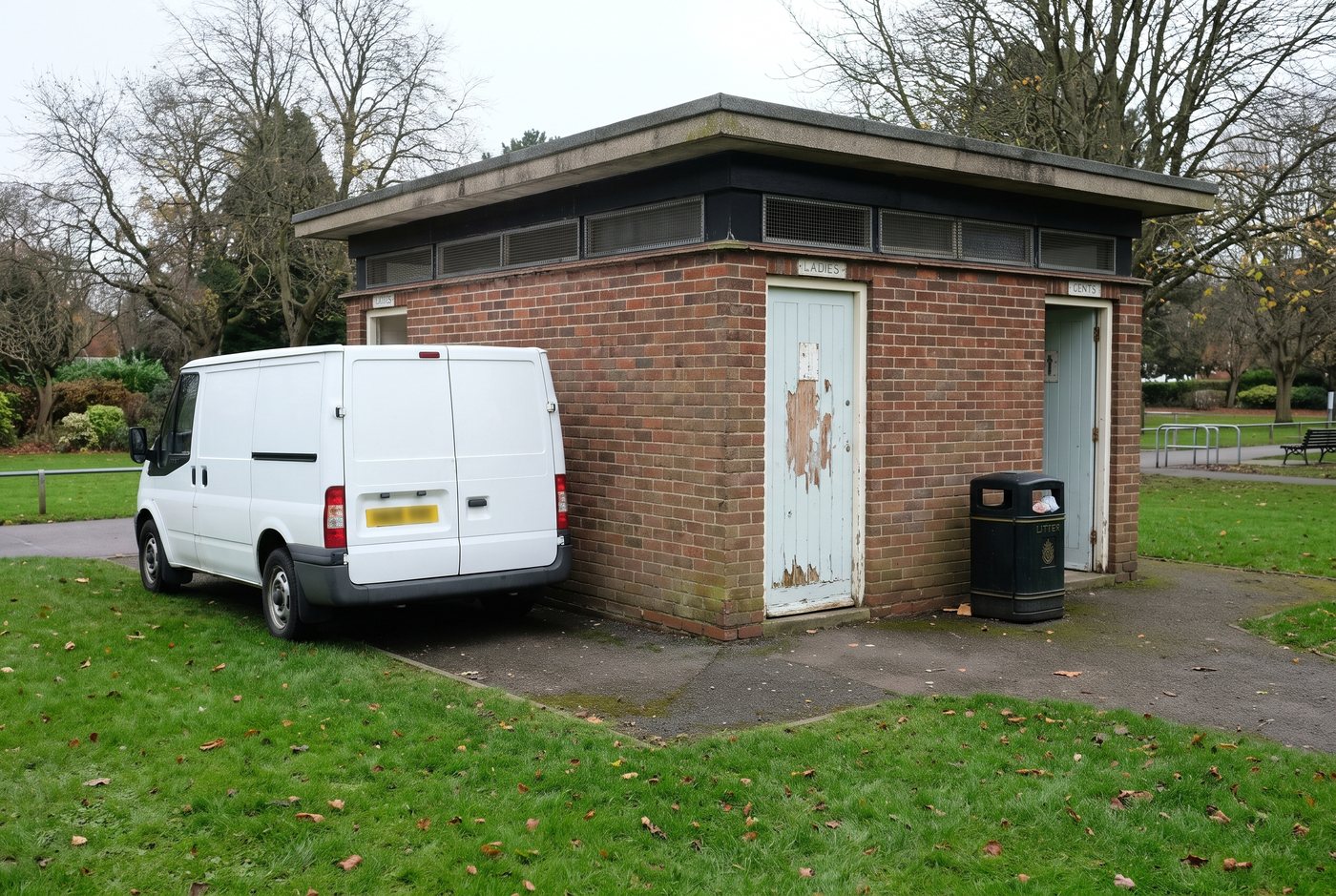
A town council's estate might include a recreation ground, a public toilet block, two village halls and a grounds maintenance van. Each needs a different inspection and maintenance programme, but the records can sit in the same system.
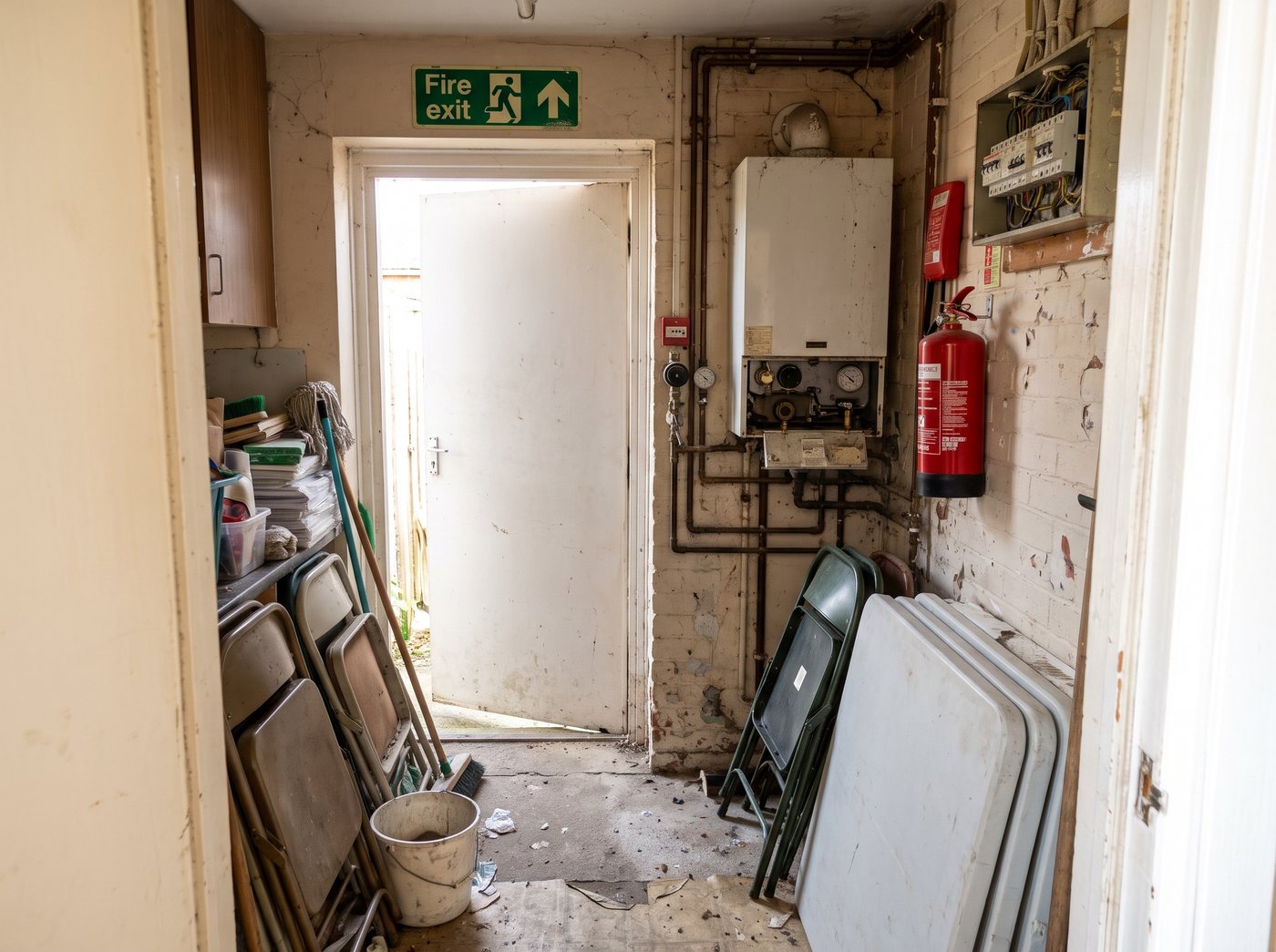
In Civic.ly, a village hall can be an asset in its own right, with equipment such as a boiler and fire extinguishers linked to it. Open the hall's task list to see the work against both the building and its linked assets. Each item keeps its own record. Linking has two tiers: an asset can have a parent, and a parent can have many linked assets, but a linked asset cannot have assets of its own. See the Summer Update 2026 for how this works.
This is useful when a manager wants to review everything outstanding at one building without searching separate lists for each piece of equipment.
What inspections can an estates manager organise?
| Part of the estate | Example of work to manage in Civic.ly |
|---|---|
| Parks | A Park Sweep for general condition and separate inspections of play equipment where item-level records are needed. |
| Public toilets | A Building Sweep for general condition and a Public Toilet Sweep for the facilities and fittings. Schedule cleaning separately as maintenance work. |
| Village halls | A Building Sweep and Room Sweeps where appropriate, checks of individual equipment and scheduled specialist service visits. |
| Council vehicles | Vehicle-specific checks and sweeps, such as Van Check and Van Sweep, alongside recurring servicing jobs. |
| Grounds machinery | Checks for mowers, strimmers, chainsaws and similar equipment, alongside planned servicing. |
Choose a checklist suited to the asset type and the purpose of the visit. The inspection detail guide explains the difference between site rounds and individual checks, and how to inspect parks and playgrounds shows how to set up a round. The July 2026 release notes describe the building and vehicle checklist options, including separate versions for electric and petrol or diesel vehicles.
Keep cleaning, safety checks and servicing separate
A cleaner may visit a public toilet every day, while a member of the estates team checks its condition on a different schedule. A leak reported during either visit might require a plumber. Treat cleaning as a job, condition checks as inspections and the leak as a defect with a follow-up job where needed.
At a village hall, an estates manager might schedule a building condition round for council staff and separate recurring jobs to arrange electrical inspections or boiler servicing. The completed specialist visit can carry the certificate and notes as evidence. This gives the manager a record of the work against the relevant building or equipment.
Civic.ly supports planned preventative maintenance (PPM) through recurring tasks on assets. It is not a separate PPM module. The council must decide which checks and services are required and at what intervals, and qualified contractors must still carry out specialist work where required. See Planned Preventative Maintenance in Civic.ly.
For more on the wider responsibilities involved in running public toilets, see our guide to public toilet management.
Organise a week's work across the estate
For example, a grounds team could have a scheduled park round, a caretaker could have a hall condition check and a driver could have a vehicle inspection. A clerk or estates manager can also have a task to arrange a contractor's service visit. The timing is set by the council's own requirements, not by a single inspection interval for every asset.
Where several tasks at a site share the same timetable, group them into a routine. For each asset, select Inspection or Job as the task type, review the checklist template and choose at least one assignee. The routine sets the schedule for all its tasks, and staff find their assigned work in the mobile task list. See how to create a routine and inspections, defects, jobs and routines: what's the difference?
An administrator can set permissions for staff and contractors. A contractor on the Field Operative template can see all assets but cannot change them, and works only on their own assigned tasks. A Supervisor can review and manage tasks across the estate. See how to manage user permissions.
Review overdue work and outstanding defects
Suppose a caretaker records a damaged door at a hall. The manager can review the defect, arrange a repair job and update the defect when the issue has been dealt with. The job and defect have separate statuses, so the completion of a repair visit does not have to mean that the underlying issue is closed.
The dashboard lists overdue jobs and overdue inspections, and an Overdue list shows the tasks that have slipped furthest. The Outstanding Defects tile counts unresolved defects, and the Defects Map shows every open defect that has a location, coloured by priority. Use these alongside an asset's task history when deciding what needs attention before the next estates meeting. See the October 2026 release notes.
An overdue task is a prompt to investigate, not proof that the council has breached a legal requirement. Equally, a completed task is not a guarantee of compliance. The council remains responsible for setting the right inspection programme, reviewing results and acting on problems.
What to ask for in an estates management software demo
Bring an example of a hall, a toilet block, a park and a vehicle to the demo. Ask to see how the system handles a linked building asset, a recurring check, a contractor's service record and an unresolved defect. Check whether a manager can find the relevant records without having to open four separate systems.
If your main concern is outdoor inspection schedules, read our routine inspections and maintenance guide.
Explore Civic.ly's features or book a demo to work through your council's estate and maintenance requirements.
Frequently asked questions
Civic.ly lets town and parish councils manage all four asset categories in one asset register, with scheduled inspections, recurring maintenance jobs and defect records. Staff complete assigned checks on mobile devices and managers review the records in the web app.
Yes. Link equipment such as a boiler or fire extinguisher to the hall's asset record. The hall's task list includes work for its directly linked assets as well as work on the hall itself.
Yes. Schedule cleaning as recurring jobs and condition inspections as separate tasks. Use defect records for problems that need attention, such as damage or a leak.
Yes. Create recurring tasks against the vehicle for servicing and renewal dates, and record completion evidence. Vehicle checklists also support routine condition checks. The council must arrange the required tests and servicing with the appropriate providers.
Yes. Record the contractor visit as a job and attach the certificate or other completion evidence to that record. The asset's task history provides a record of past visits. Civic.ly does not carry out or certify specialist inspections.
Yes. The dashboard lists overdue jobs and overdue inspections, and the Outstanding Defects tile and Defects Map show unresolved issues. Review the repair job and update the linked defect separately when appropriate.